
🙈 Preventing Mishaps in Slate: Managing Roles, Permissions, and Realms
Has there been a time when you have found out that your well-thought-out event template or even a pre-released Deliver mailing has been inadvertently changed by a colleague in a different department? When several departments share one Slate environment, there may be occasions where you unintentionally stomp on the feet of others. Besides causing irritation, it may also lead to data inconsistencies and may make the whole process a mess. If everyone has unrestricted access such as “(edit all users)” then even the slightest of errors could result in broken processes or wrong communication. To keep your work safe and avoid future problems, boundaries must be created within the system.
The solution to this problem involves combining Roles, Permissions, and Realms in a strategic way.
First, create the Roles such as "Admissions Staff" and "Advancement" that combine permissions so that you don’t have to manage functional access for every user individually.
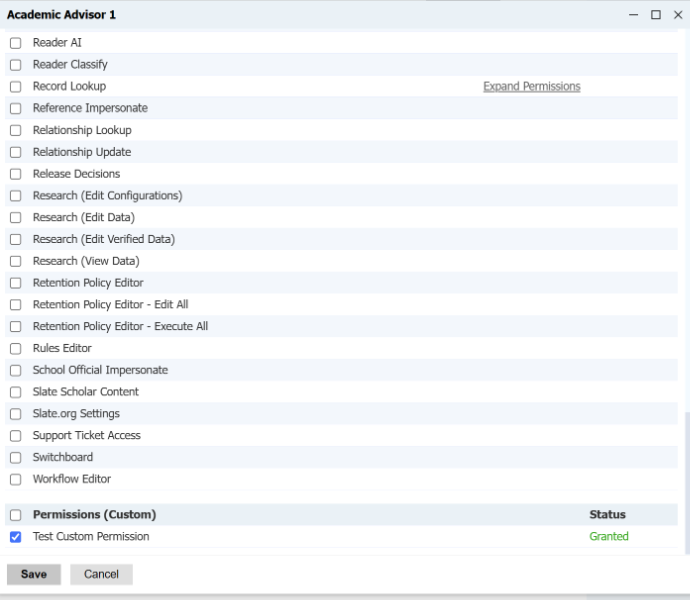
After the user has basic capabilities for using a particular tool, it is now time to employ Realms to define the departmental lines. Though a permission allows you to create an event or write a query, it is the Realm assignment that allows you to restrict the user’s access only to those objects (such as "Graduate Events" and "Undergraduate Events") that belong to that particular department.
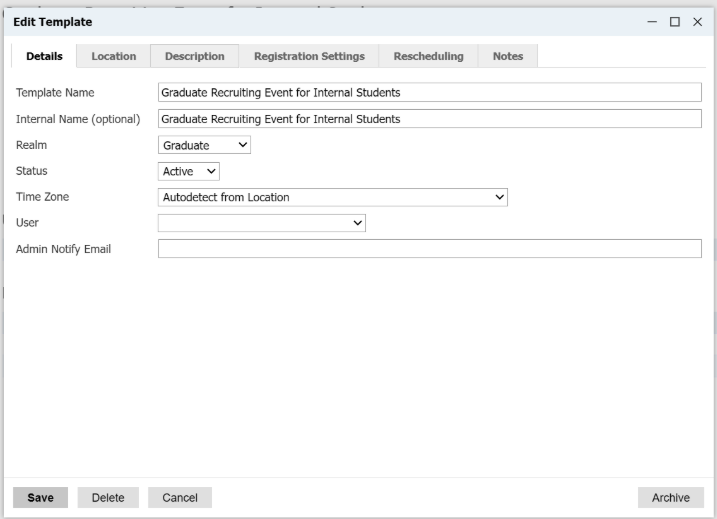
It is a good practice to assign every new form📄, mailing✉️, or query📊 into a particular Realm so that everyone can work without any fear of overwriting someone else’s work.
No comments to display
No comments to display