
🔓Update Entity with Unsafe
Have you ever tried to update an entity using a secure form or upload dataset/source format by matching on the GUID, External ID, or Unique for Merging field - but found that instead of updating your existing entity, Slate would create a new entity row instead?
What may be even more baffling is that your form/upload worked for some records which you are testing, but failed for others... So it seems like your troubleshooting is leading you in circles! Every field is mapped and filled correctly - but now you have a dozen entity rows by the end of your testing.
The Problem:
You are likely working with a Person-scoped entity - which is very common - but have not marked the form or upload as "unsafe".
Just like with editing person-scoped fields or default person-related tables, if a record has an application attached to it, the person-scoped entities are now considered "safe" by default. However, many entities are designed to attach to the person and be continuously updated long after the application exists - so you need to toggle the "unsafe" controller!
Unsafe Form:
On your form that is designed to edit your entity, go to Edit Form > Edit Properties and check "Unsafe".
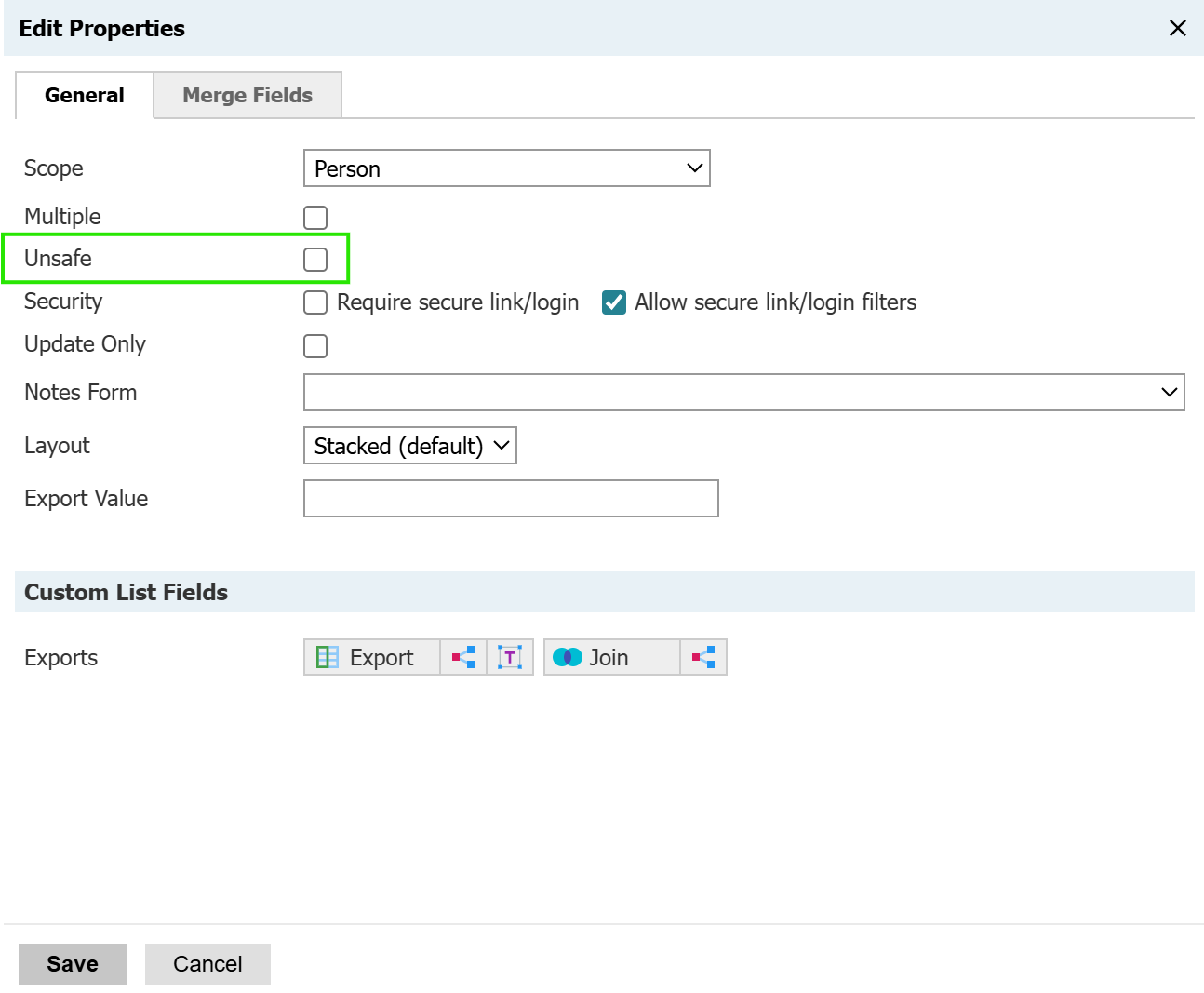
Unsafe Source Format / Upload Dataset:
And on your Source Format, it's nestled in the Edit Source Format page:

For student success instances especially, unsafe is often the default setting for custom entities.
No comments to display
No comments to display